VPN basics

What is a VPN?

A Virtual Private Network routes your traffic through an encrypted tunnel — hiding your IP address and protecting your data along the way. Here's how it works, what it protects, and what it doesn't.

A Virtual Private Network — or VPN — is an app that creates an encrypted connection between your device and a remote server before sending you on to the website or service you're trying to reach.

When your traffic passes through that remote server, your device's public IP address changes. Your true online location is hidden from the sites and apps you use, your Internet Service Provider can no longer see what you're doing, and anyone snooping on your network sees only encrypted noise.

In this guide we cover consumer VPNs — the kind you install on your laptop or phone. By the end you'll understand how they work, what they can and can't do, and how to decide whether you need one.

How does a VPN work?

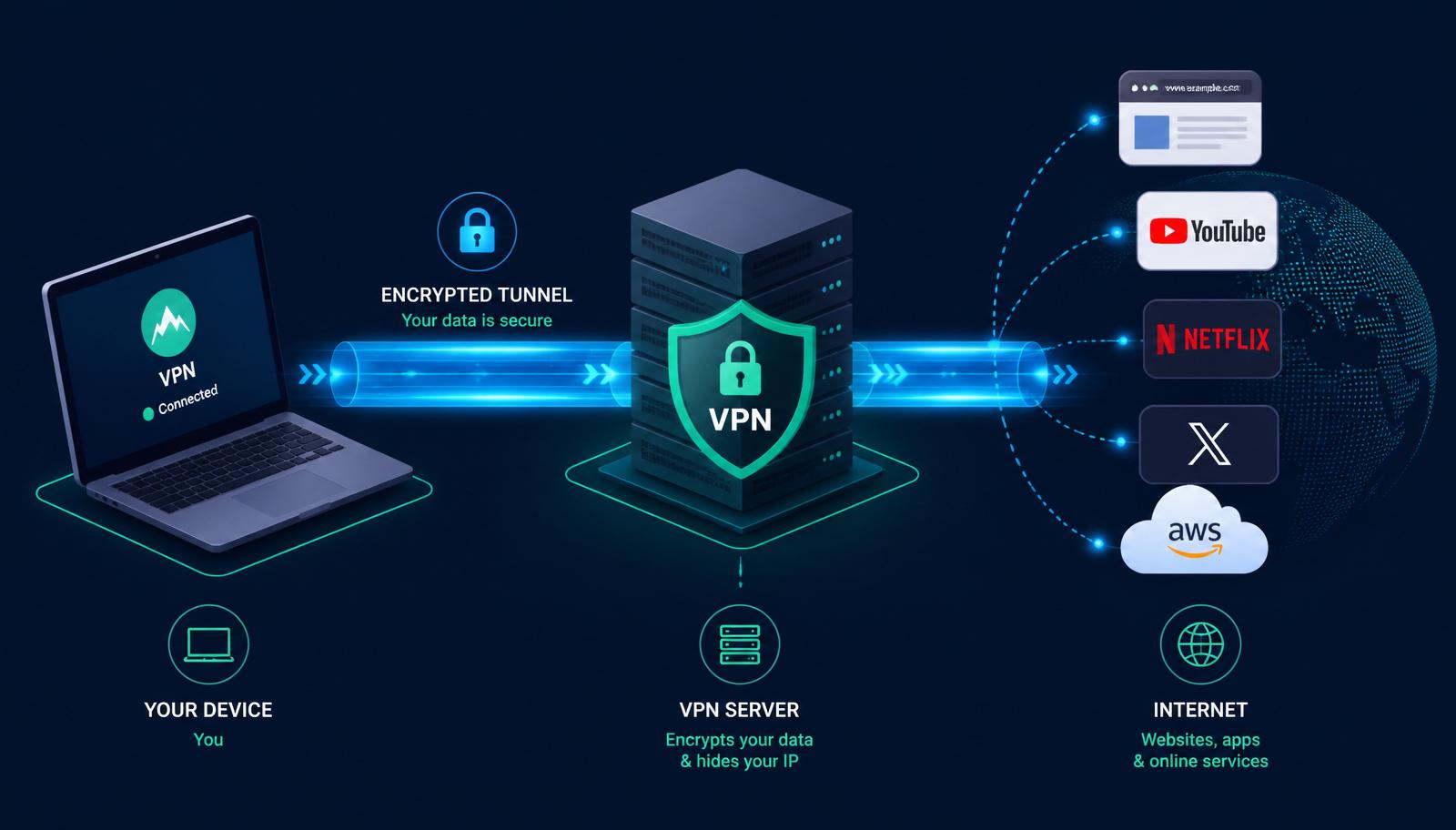
A VPN sets up an encrypted connection — the VPN tunnel — between your device and a remote server. Everything you send goes through that tunnel to the server, which forwards it to the wider internet. Replies come back the same way.
How does a VPN work?
Your device → encrypted tunnel → VPN server → the open internet.

Under the hood, every VPN connection goes through five key stages. The details are technical, but the sequence is always the same:

  1. 01

    Handshake & authentication

    Your device and the VPN server verify each other and agree on encryption keys.

  2. 02

    Encryption

    Every packet leaving your device is scrambled with a cipher like AES-256 or ChaCha20.

  3. 03

    Encapsulation

    The encrypted data is wrapped in an outer packet addressed to the VPN server — the 'tunnel'.

  4. 04

    Decryption & forwarding

    The server unwraps the packet, forwards it to its destination and re-encrypts the reply.

  5. 05

    Integrity check

    A hash confirms the data wasn't tampered with in transit before your device accepts it.

Protocols & encryption

The VPN protocol determines how the tunnel is formed. The encryption cipher scrambles the data flowing through it. Different protocols trade off speed, security and compatibility.

WireGuard

Modern, lean, and fast. The default choice for most premium VPN apps in 2026.

OpenVPN

Battle-tested open-source protocol. Slower than WireGuard but works virtually everywhere.

IKEv2 / IPSec

Excellent at reconnecting after a network switch — good pick for mobile.

AES-256 / ChaCha20

The two encryption ciphers used by every VPN worth trusting. Both are effectively unbreakable with today's compute.

What can you do with a VPN?

Eight things a good VPN actually delivers — no marketing fluff.

Protect your privacy

A VPN hides your IP address and encrypts your traffic, so your ISP, network admin and third-party trackers can't see which sites you visit.

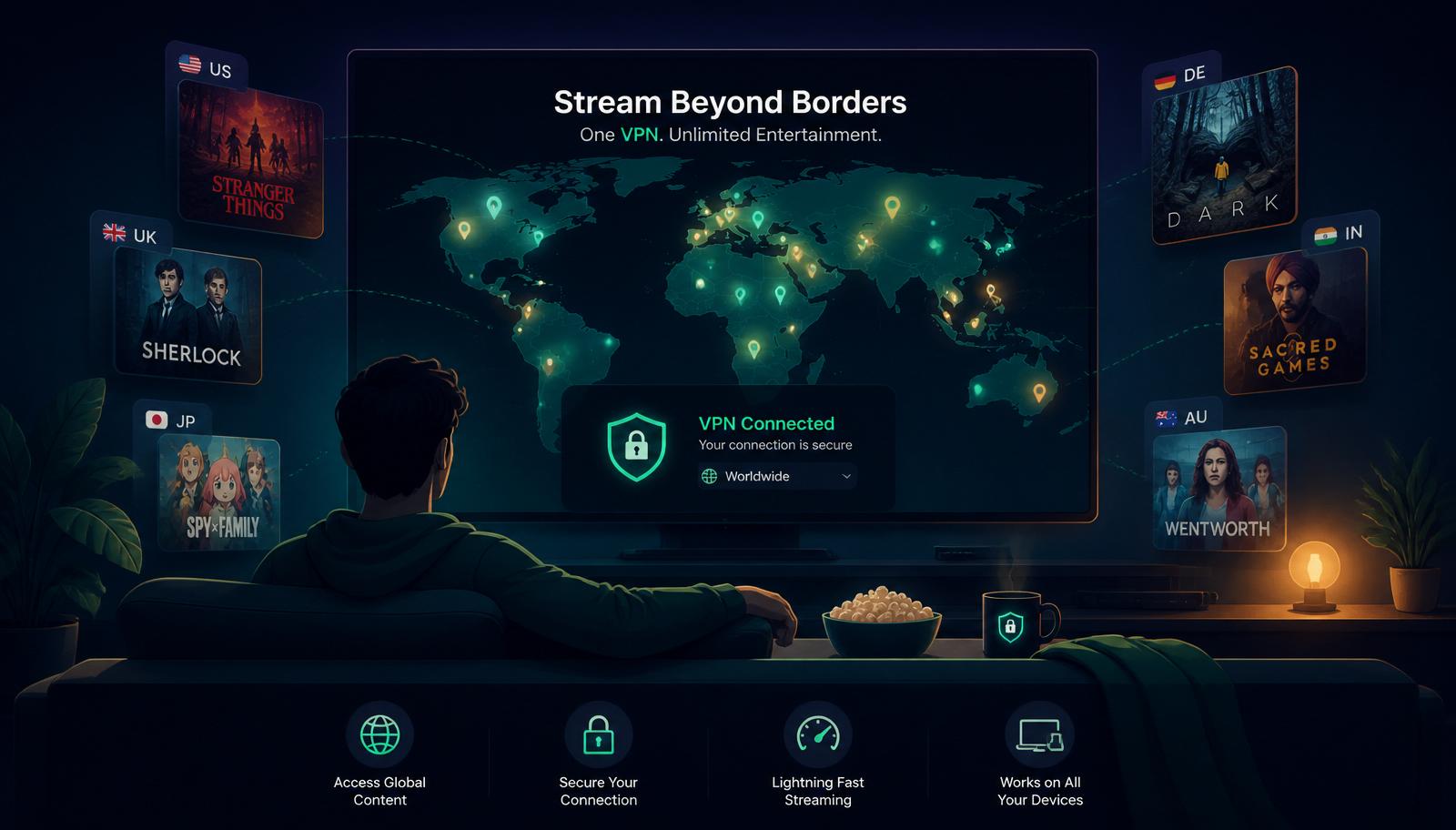
Stream geo-blocked content

Netflix, Prime Video and other streamers show different libraries by country. A VPN lets you switch your virtual location to unlock more titles.

Torrent files anonymously

Encrypts P2P traffic and masks your IP so your ISP, peers and copyright monitors can't tie downloads to your identity.

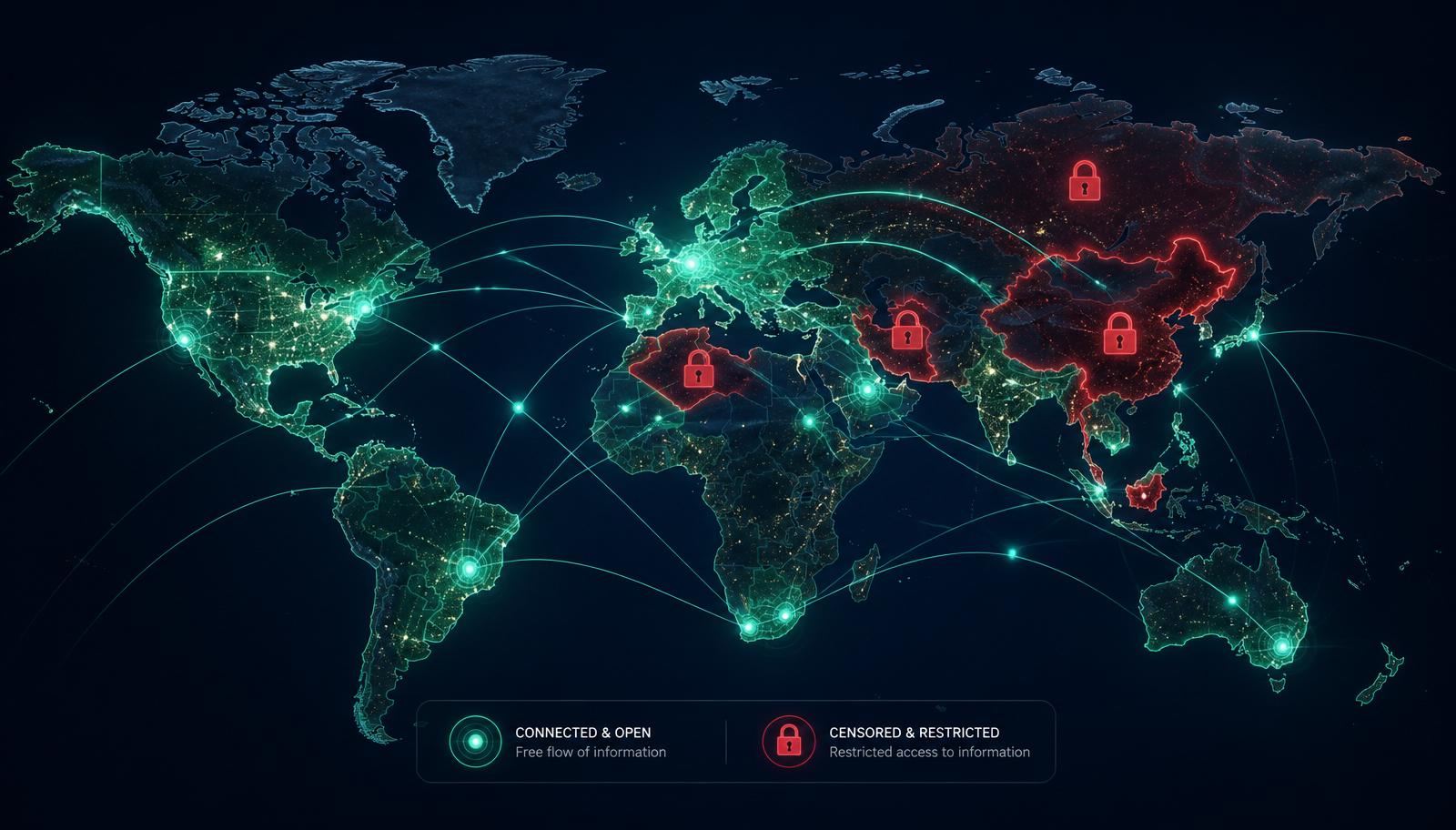
Bypass censorship

Reach sites blocked by government firewalls — the Great Firewall of China, Russian bans, and workplace or school filters.

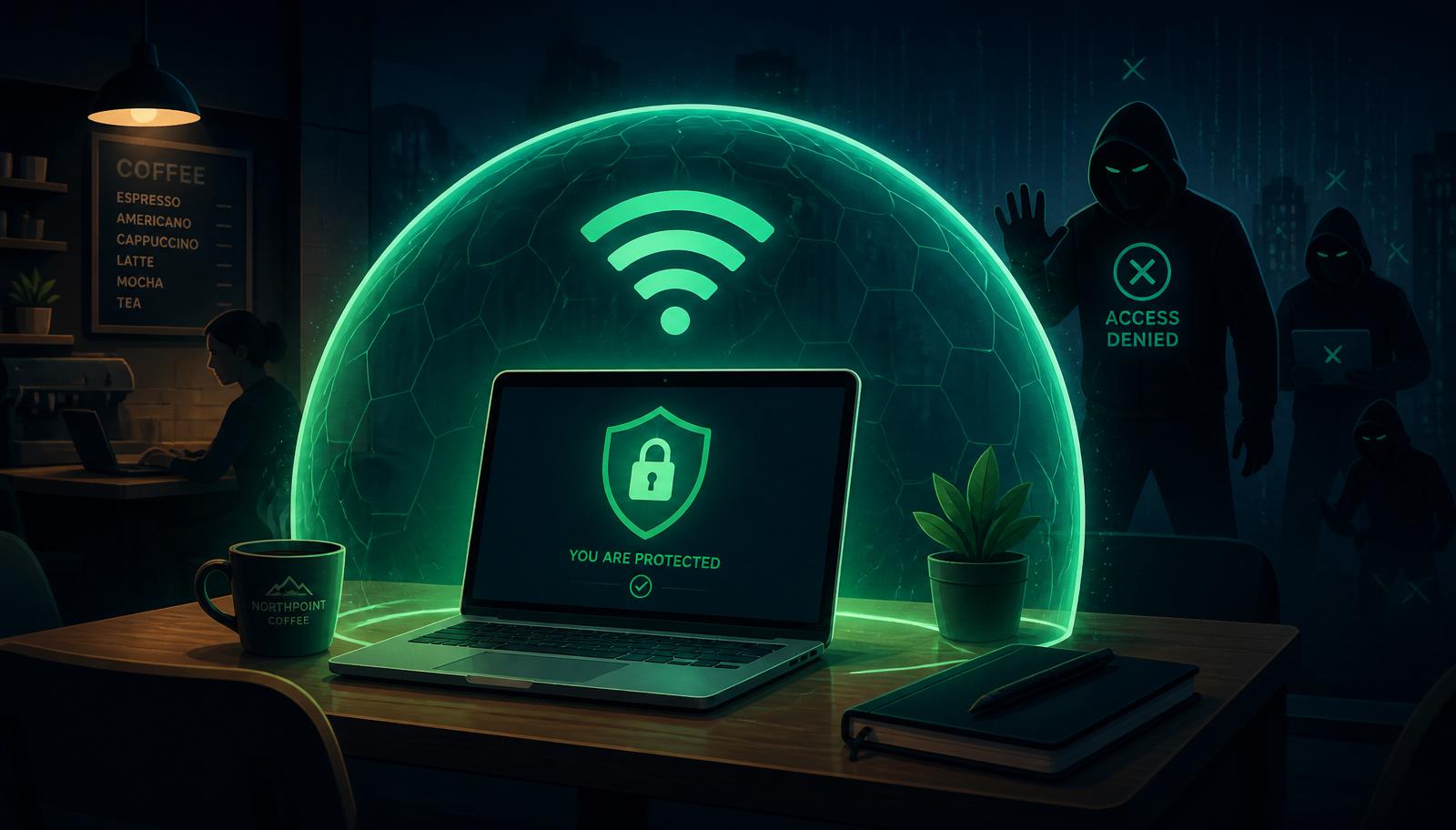
Stay safe on public Wi-Fi

Airport, café and hotel Wi-Fi is a common attack surface. VPN encryption means intercepted traffic is just noise to a hacker.

Avoid ISP throttling

Some ISPs slow down video, gaming or torrent traffic. Because a VPN hides what you're doing, they have nothing to selectively throttle.

Save on online purchases

Flights, subscriptions and games are often cheaper in other regions. A VPN lets you check prices from anywhere.

Access company networks

Dedicated-IP VPN plans give you a static address that IT teams can whitelist, so remote access works from any location.

Unlock global streaming libraries

Unlock global streaming libraries

Netflix, Disney+, Prime Video and BBC iPlayer all serve different catalogues depending on where they think you are. Pick a VPN server in another country and you effectively get a new library — thousands of extra shows and films at no extra cost.

Look for providers that are known to work reliably with the streamers you care about. Speed matters too: HD streaming needs at least 5 Mbps and 4K closer to 25 Mbps sustained.

Public Wi-Fi, without the risk

Public Wi-Fi, without the risk

Free Wi-Fi in cafés, airports and hotels is convenient — and occasionally dangerous. Fake hotspots and packet-sniffing attacks still happen, and any traffic that isn't already HTTPS is fair game.

A VPN wraps everything leaving your device in strong encryption. Even on a compromised network, an attacker sees only unreadable ciphertext going to a single server — not your emails, messages, or which sites you're visiting.

Reach the open internet

Reach the open internet

Governments in China, Iran, Russia and several other countries block large parts of the web — Google, Wikipedia, WhatsApp, independent news. Workplace and school networks add their own filters on top.

A VPN with obfuscation or stealth modes disguises its own traffic as ordinary HTTPS, letting it slip past deep-packet inspection systems that would otherwise block plain VPN connections.

What a VPN doesn't do

A VPN is a strong privacy tool, but it isn't invisibility. Here's what it still can't protect you from.

Cookies & trackers

Tracking cookies persist across sessions. A VPN hides your IP but not the profile advertisers already built in your browser.

Malware & phishing

A VPN doesn't scan downloads or block malicious sites. You still need antivirus and good browsing hygiene.

Browser fingerprinting

Websites can identify you by the combination of your OS, browser, screen size and installed fonts, regardless of your IP.

Traffic fingerprinting

ISPs and networks can see that VPN traffic exists and sometimes infer its type (video, P2P) from timing patterns.

Logged-in accounts

If you're signed into Google, Facebook or Amazon, they track you regardless of what IP address you connect from.

Do you actually need a VPN?

It depends on what you're trying to solve. Here's a quick heuristic:

You travel and use hotel or airport Wi-Fi
You watch streamers with region-locked libraries
You live somewhere with an active censorship regime
You torrent, self-host, or run a small business network
You'd rather your ISP not sell your browsing history

If none of those apply and you only use trusted networks, a VPN is a nice-to-have rather than essential. If any of them do, it's one of the highest-value subscriptions you can buy — most providers cost less than a coffee per month on multi-year plans.

Avoid free VPNs. The business model relies on selling your data or serving ads inside the tunnel. If a VPN is truly free, you're the product.

Ready to pick a VPN?

We compare the top providers on privacy, speed, servers and price — kept fresh from live provider feeds.