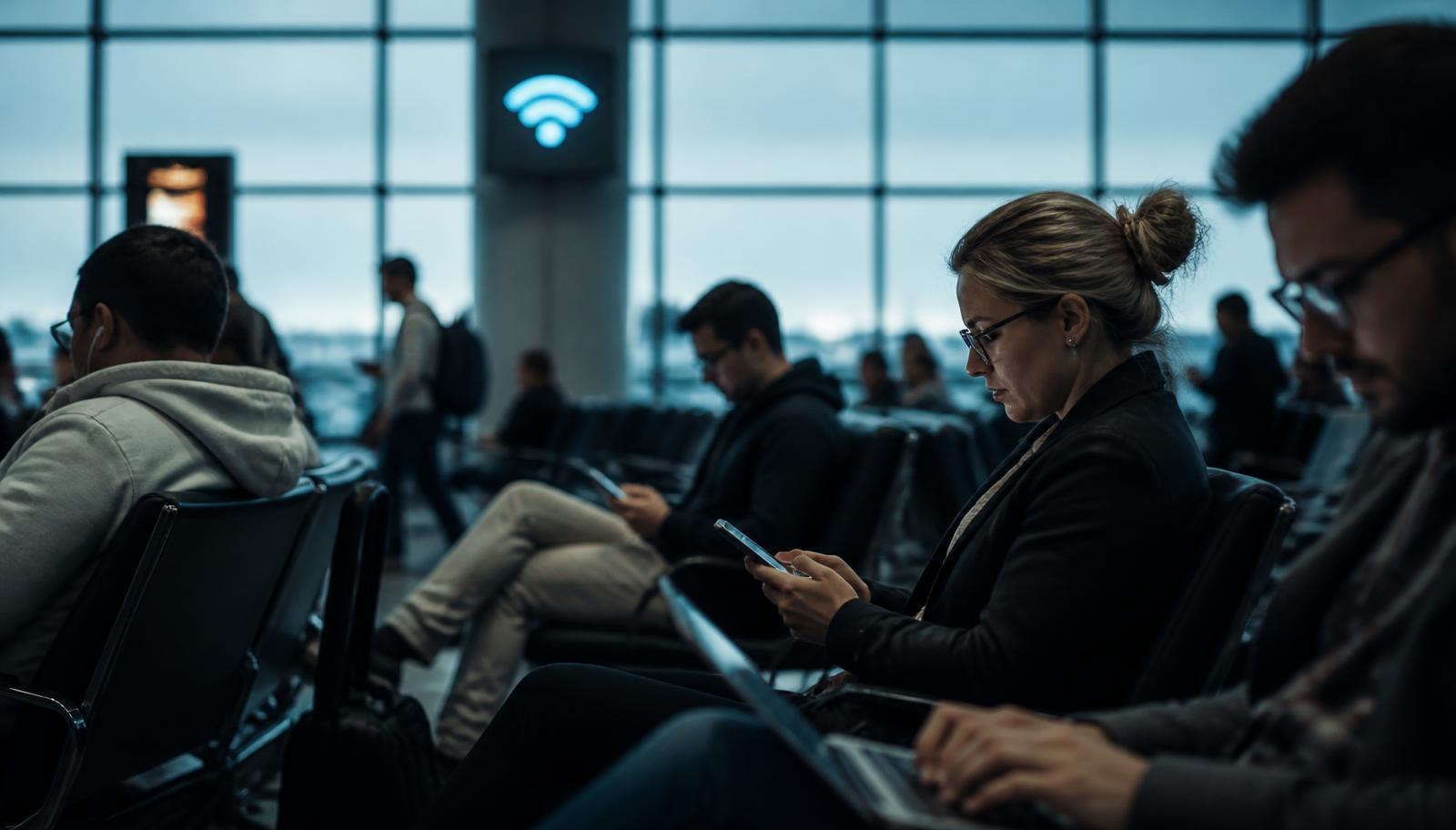
You land, you connect to Airport_Free_WiFi, and within a minute you are checking your bank balance, your work mail and the booking confirmation for tonight. It feels completely normal. The problem is that a holiday network is nothing like your network at home: you have no idea who set it up, who else is on it, or what happens to the traffic passing through it.
What can actually go wrong on holiday Wi-Fi
The network is shared with strangers
A hotel or campsite network often puts every guest on the same segment. Anyone on it with basic tools can see which services your devices talk to, and poorly secured connections can be read outright.
A fake hotspot looks identical to the real one
Setting up an access point named after the hotel takes minutes. Your phone joins the strongest signal, not the most honest one, and everything you send then travels through someone else's equipment.
Captive portals invite oversharing
That login page asking for your email, room number or passport details is a data collection point. On holiday you fill in a dozen of them without a second thought.
Your holiday traffic is unusually valuable
Travelling means banking, card payments, booking sites and airline accounts, all in one week. A stolen login is worth far more while you are abroad and least able to react.
You cannot verify a holiday network, so the only sensible move is to stop trusting it.
A VPN does not ask the network to behave. It wraps your traffic in encryption before it leaves your device, so the hotel, the cafe and everyone else on the same Wi-Fi only see an unreadable tunnel to a VPN server.
What a VPN actually does while you travel
A VPN builds an encrypted tunnel between your device and a server run by the VPN provider. Everything inside it — logins, messages, payments, the sites you visit — is unreadable to anyone watching the local network. The hotel Wi-Fi still carries your data, but it can no longer read or alter it.
It also hides your real IP address from the sites you visit, and stops the local network operator from building a profile of your browsing. That matters more abroad, where you have no idea who runs the connection or how long they keep logs.

How to travel safely, step by step
- 1
Install and test your VPN at home, before you leave. Airport Wi-Fi is a bad place to troubleshoot a first login.
- 2
Turn on auto-connect for untrusted networks, plus a kill switch so nothing leaks if the tunnel drops.
- 3
Cover every device you take: phone, laptop, tablet. Check how many simultaneous connections your plan allows.
- 4
Connect to the VPN before you open your banking app or mail, not after.
- 5
Turn off automatic joining of open networks, so your phone stops silently connecting to any hotspot it recognises.
Mistakes travellers make
Assuming a Wi-Fi password makes a network private. A shared password protects the hotel from freeloaders, not you from the other guests.
Trusting the padlock in the browser and nothing else. Encryption on the site is good, but it still exposes which services you use and leaves apps with weak connections unprotected.
Using a random free VPN app. If the service is free and unexplained, your traffic and data are often the product.
Only switching the VPN on for banking. Mail and cloud accounts are the keys to everything else, so keep the tunnel up by default.
Pick a VPN before you pack
Look for an independently audited no-logs policy, a kill switch, apps for every device you travel with, and servers in your home country so services keep working as usual. Our comparison lists all of that side by side.
Quick answers
Do I need a VPN if I only use mobile data abroad?
Mobile data is far safer than open Wi-Fi, so the urgency drops. A VPN still hides your traffic from the local network operator and keeps your connection consistent when you switch to hotel Wi-Fi, which almost everyone eventually does.
Will a VPN slow down my holiday streaming?
Encryption costs a little speed, but a good provider with a nearby server usually stays fast enough for HD streaming and video calls. Hotel Wi-Fi is normally the bottleneck, not the VPN.
Is using a VPN allowed while travelling?
In most countries VPN use is entirely legal and common for work. A handful of countries restrict or block VPNs, so check the local rules for your destination before you rely on one.
The short version
A holiday is the one time of year you use the most unknown networks with the most valuable accounts. A VPN is the cheapest insurance in your luggage: install it before you leave, keep it on while you are away, and holiday Wi-Fi becomes just another dumb pipe.
We compare VPN providers independently and may earn a commission when you sign up through our links. That never changes how we rank or describe a provider.